
/ free practice exams

Free IT exam practice

Get set up in three quick steps, then practice real certification questions — Security+, CySA+, CCNA and more.
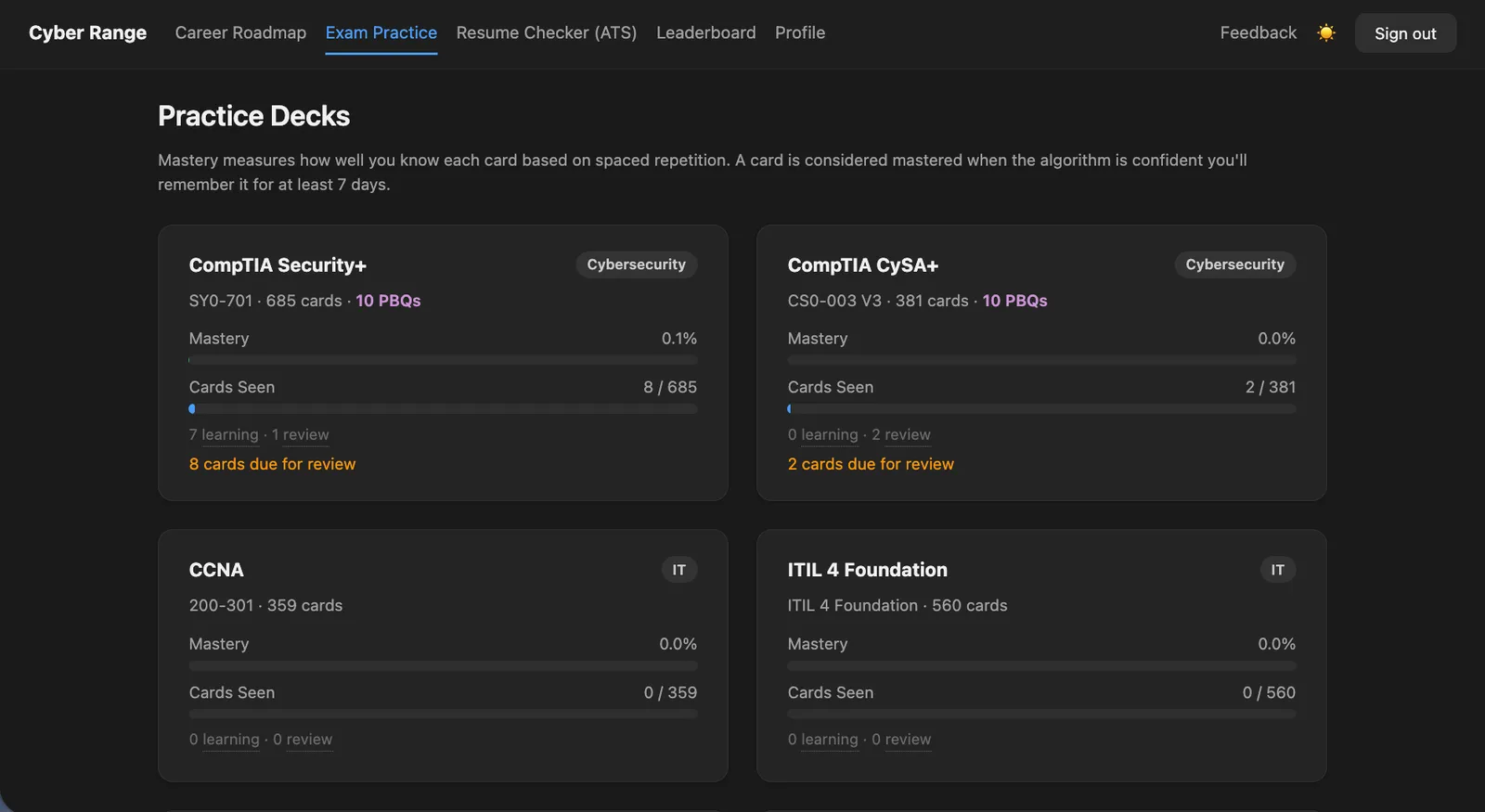
The Practice Decks exam app

app.cyber-range.io

/ getting started

Start in 3 steps

From joining to your first practice question — a few simple steps.

02

Get your account

Receive your free Microsoft student account by email.

03

Start practicing

Log into the Practice Exam and begin your first exam.

/ detailed steps

A closer look at each step

Exactly what you'll see — and what to do
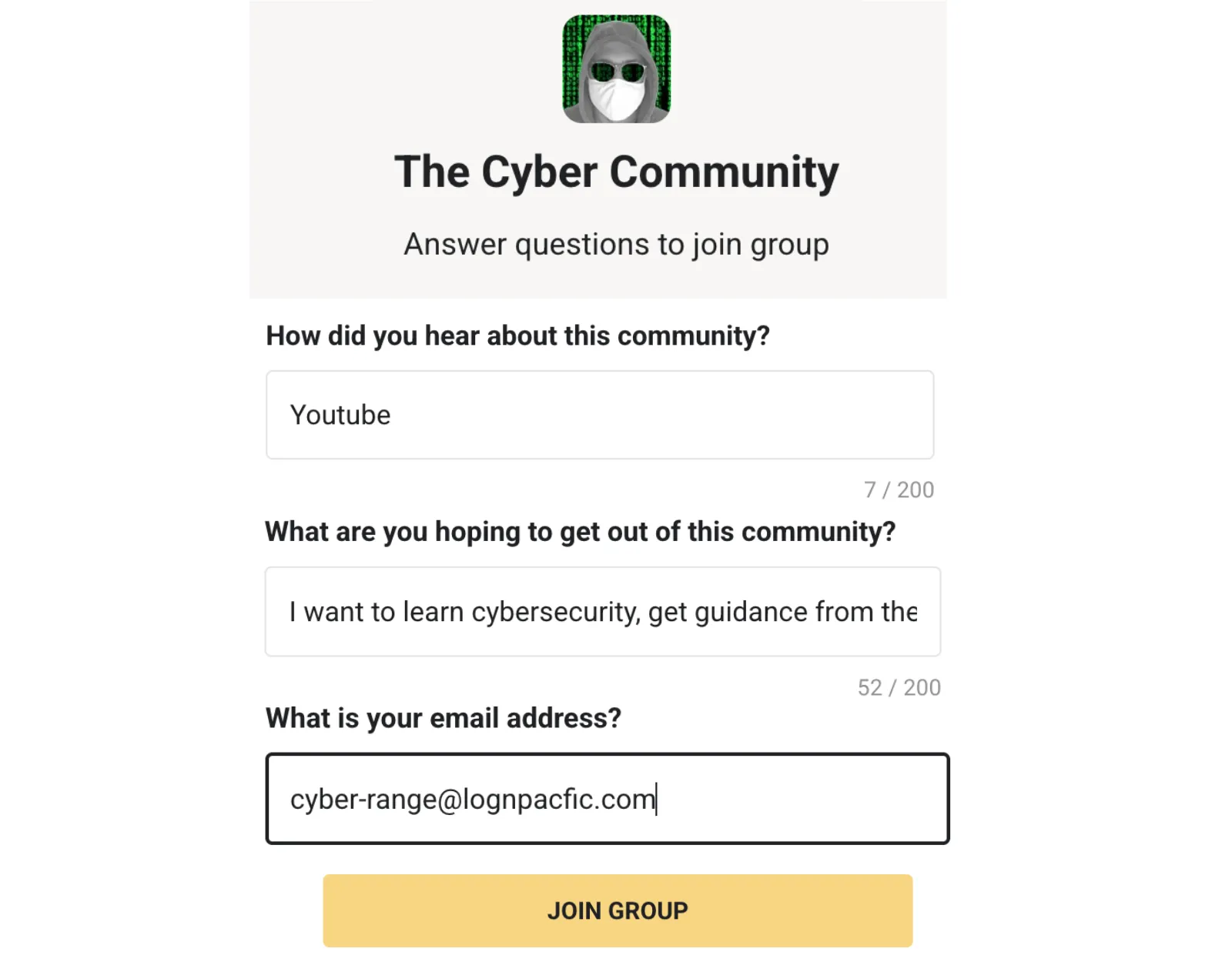
Joining The Cyber Community on Skool

step 01 · join

One form to get started

Join the free Cyber Community on Skool. Answer two short questions and enter your email — that's it.

Note: use this same email address in Step 02 to receive your Microsoft account credentials.
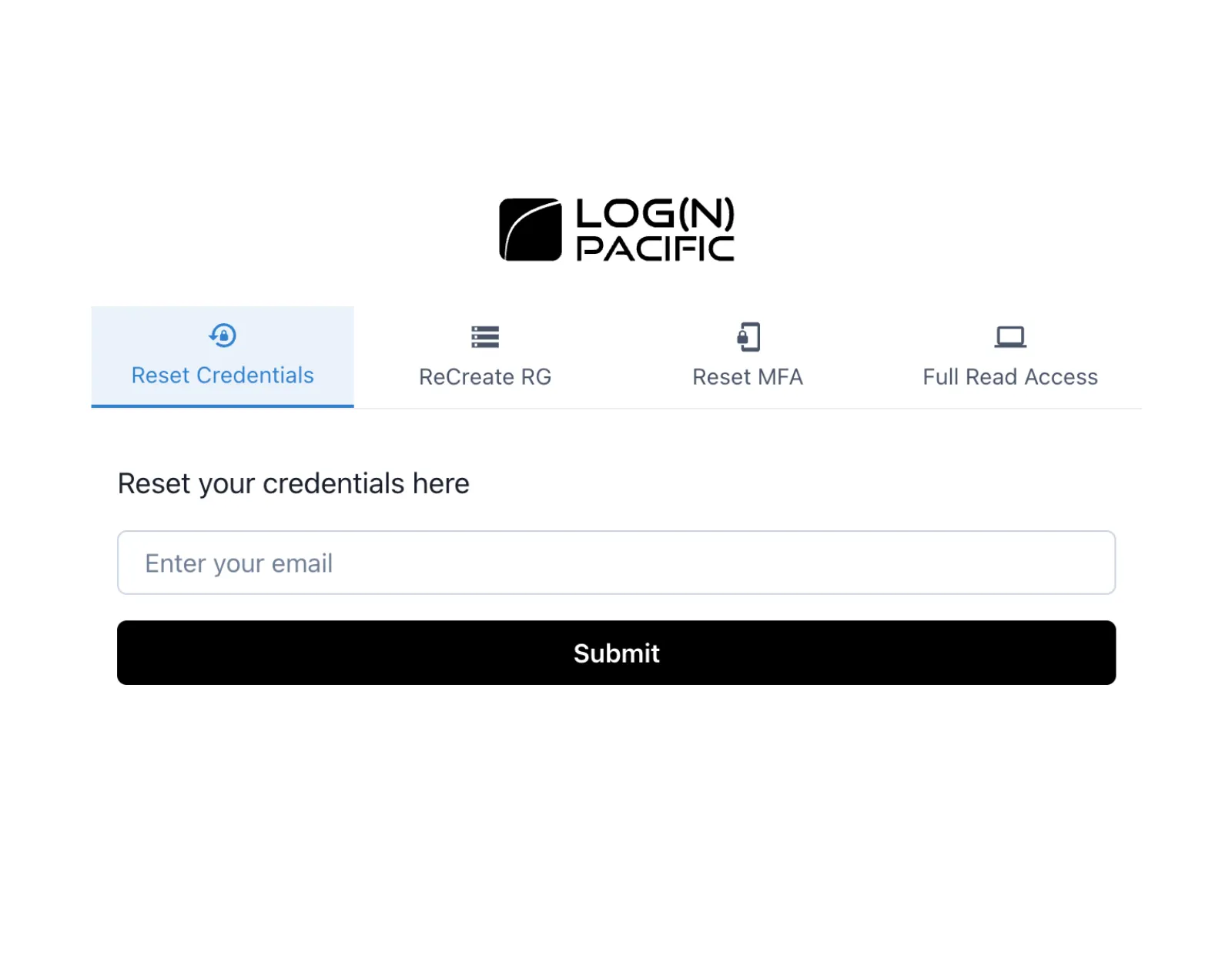
LogN Pacific Reset Credentials form

step 02 · credentials

Your credentials, by email

Enter the email you used in Step 01 on the credentials page and click Submit. Your Microsoft student account details arrive within minutes.
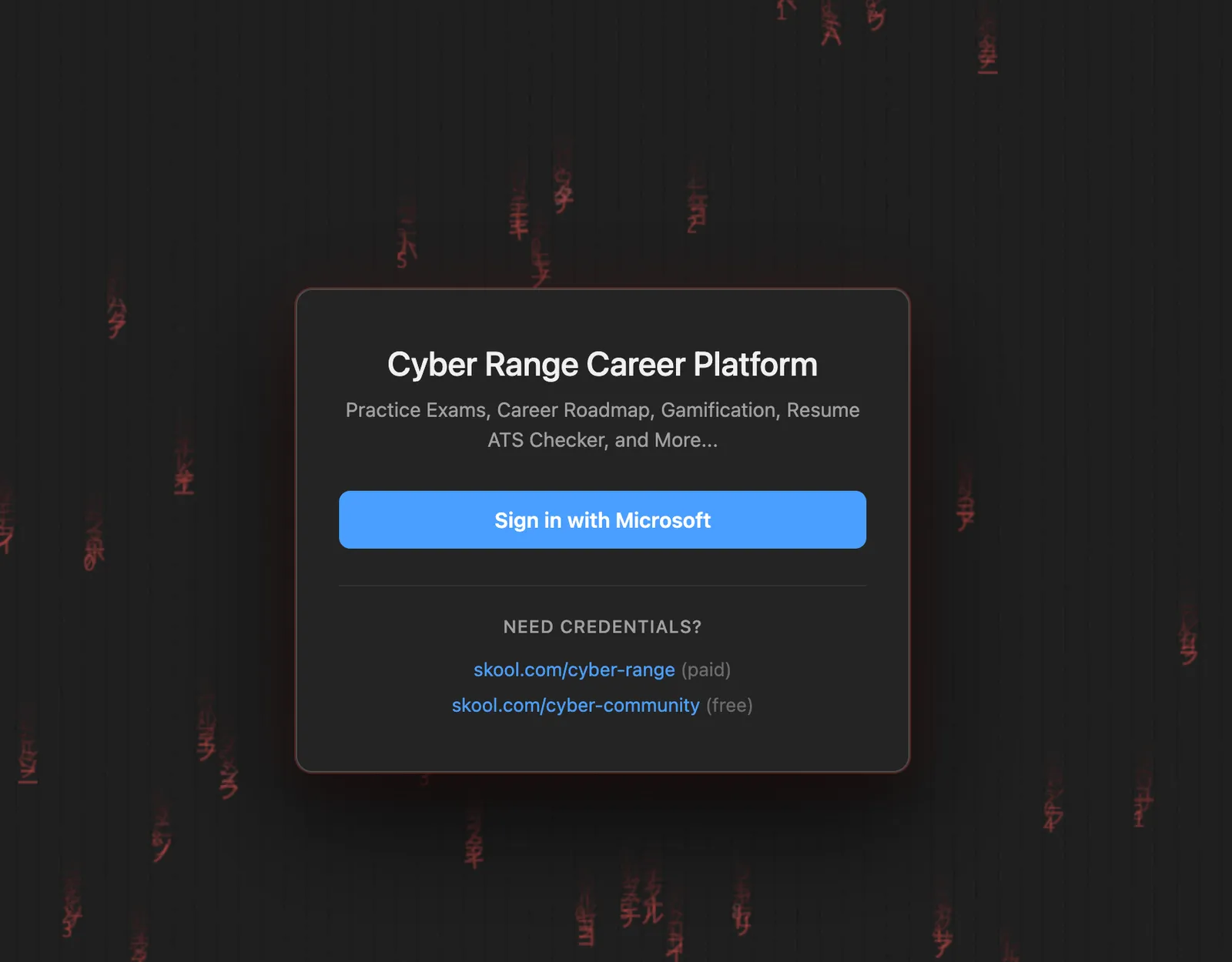
Sign in with Microsoft screen

step 03 · sign in

Sign in with Microsoft

Go to the platform and sign in with the Microsoft account you received by email in Step 02. Practice exams, career roadmap, and progress tracking are all inside.

step 04 · start practicing

Let's start

You're in. Select a certification, pick a domain, and start answering. The Practice Exam guides you from your first question.

/ live preview · Security+
Cyber Range Sign out
Card 1 of 20 Review
4.0 · Given a scenario, modify enterprise capabilities to enhance security
A company wants to secure web traffic passing through its internet gateway and ensure users connect to websites using encrypted communication. Which protocol should be implemented on the gateway?
FTP
Telnet
SNMPv1
HTTPS
Correct! +10 XP
4.0 · Implementation of secure protocols: Gateway
Definition
Configuring gateway devices — proxies, firewalls, web filters — to use encrypted, authenticated communications reduces interception, tampering, and credential theft.
Security+ mastery
71%

/ inside the Practice Exam

Built for steady progress

Six features designed to help you study calmly and consistently — not to overwhelm you.

Six certification paths

Security+, CySA+, CCNA, ITIL Foundation, AZ-900, SC-200 — with more added each quarter.

Answers that actually teach

Every question explains why wrong answers are wrong — with real-world examples tied to the exact exam objective.

Smart repetition

Questions you get wrong come back more often. Questions you've mastered fade out. The deck adapts to you.

Performance-based questions

Drag-and-drop and scenario-based questions — the same format as the real exam. Not just multiple choice.

Deck mastery & leaderboard

Track your mastery percentage per certification. See how you rank against other community members.

Free with community access

Every exam, every PBQ, every feature — included with your free Cyber Community membership.

/ how to use the Practice Exam

How to use the Practice Exam

Read through the steps or watch the walkthrough.

Read through

How do I access the Practice Exam?
After joining the Cyber Community and receiving your Microsoft student credentials, go to app.cyber-range.io and click 'Sign in with Microsoft.' The exam is accessible from the Exam Practice tab in the navigation.
What certifications are available?
Security+, CySA+, CCNA, ITIL Foundation, AZ-900, and SC-200 — with new certification paths added each quarter. You can switch between tracks at any time.
How does the exam simulation work?
Each certification has a deck of practice questions tied to the official exam objectives. You answer one question at a time, and the app explains why each answer is correct or incorrect — including a real-world example. Questions you get wrong come back more often until you master them.
Can I track my progress?
Yes. Your dashboard shows deck mastery percentage per certification, earned badges, and a leaderboard showing how you rank against other community members.

Watch the walkthrough

/ frequently asked

Common questions

Short, calm answers to the things people ask before joining.

What is the Cyber Community?
The Cyber Community is a free group on Skool, run by Josh Madakor, with 8,000+ members. It gives you access to the Practice Exam, beginner cybersecurity courses, a community feed, and weekly calls. Think of it as the starting point — and if you later want hands-on experience with real enterprise tools like Microsoft Sentinel and Defender, that's what the paid Cyber Range is for.
Is this really free?
Yes — the Practice Exam is included with your free Cyber Community membership. No credit card, no trial period. The Cyber Community is free forever; a separate paid membership called Cyber Range exists for those who want hands-on enterprise lab experience.
Do I need any technical experience to start?
None at all. The platform is designed for beginners. If you can use a browser, you can start practicing today.
Why do I need a Microsoft account?
The Practice Exam uses Microsoft authentication. Your student account is created automatically when you join — you don't need an existing Microsoft account.
What certifications can I practice for?
Security+, CySA+, CCNA, ITIL Foundation, AZ-900, SC-200, and more. New certification paths are added each quarter.
Is my data safe?
Your activity is stored securely through Microsoft infrastructure. You can delete your data from your profile at any time.

Ready to start?

Join the community

Free forever · No credit card · Microsoft student account included